
If you don't sort a business card the day you get it, you'll lose track of where it is
Instead of filing cards away or letting them pile up on your desk, here's how to keep the contact info with a single photo.
You get a business card at a meeting or an event, and it goes straight into your wallet or bag. That's fine while the memory is still fresh, but a few days later you're left trying to remember who this person was and where the card even went.
The moment you receive a card is the easiest time to sort it
Business card sorting keeps getting pushed off for a simple reason. Doing it all at once later means opening the card holder, opening Contacts, and typing each one in by hand — that's a fair amount of work. So the cards end up sitting in a drawer or a folder instead.
Pilofy cuts that typing down to a single photo. Photograph a card and save it, and it reads the name, phone number, company, and email right there and organizes them for you.
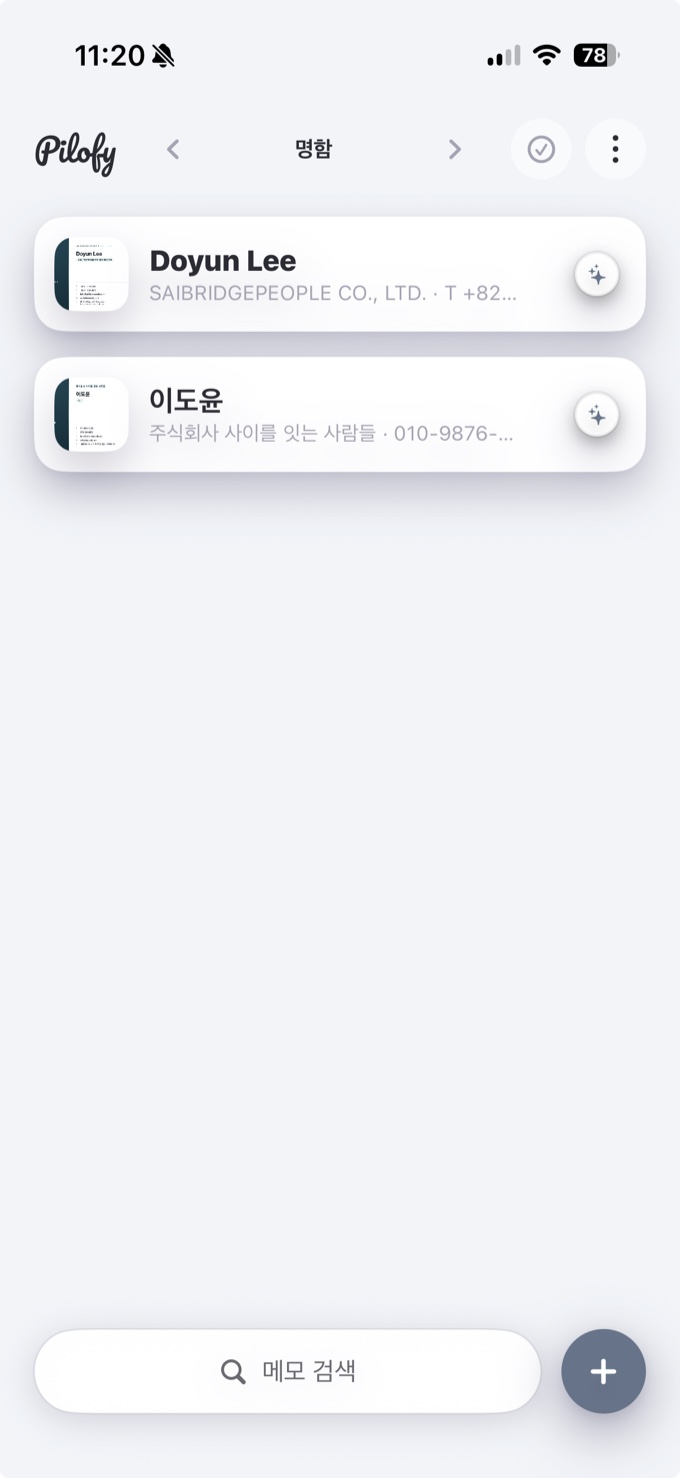
Two steps: check, then save
The recognized info doesn't get saved to Contacts automatically. On the note's detail screen you first look over the recognized name, phone, company, and email, and if it's correct, tap "Add to Contacts" to save it as a new contact in iOS Contacts. That step exists to keep a misread field from being saved without your noticing.
One tip: photograph cards one at a time. Pilofy is built to recognize one card's worth of information per photo, so shooting several at once risks mixing up the details or only picking up one.
Whether you do it right where you received the card or later at home, taking one photo is often all it takes to stop "where did I put that person's card" from happening later.