
What makes Pilofy different from note apps like Notion or Bear
Note apps that let you build your own system, and a note app that lets AI build the system for you — comparing two fundamentally different approaches.
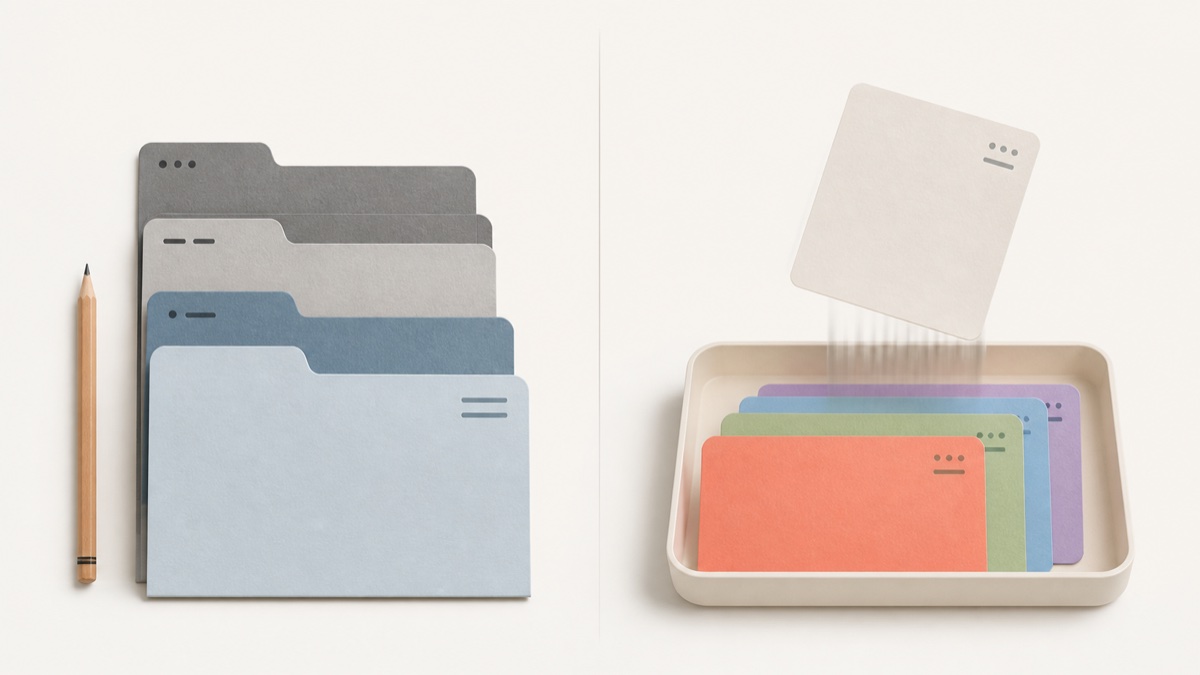
If you judge note apps by "how well do they help you organize," they really split into two camps. One kind helps you build a great system yourself. The other kind builds the system for you. Pilofy falls into the second camp.
Notion and Bear are tools for building a system
Notion is a powerful tool for freely designing pages and databases. You can define properties in as much detail as you want, switch between views, and link pages together. Bear is a lighter, faster text-focused note app, organized around tags and folders. Both are excellent tools, but they share one thing in common — the classification system ultimately has to be designed and maintained by you. Defining database properties, attaching tags, splitting things into folders: all of that is on the person using the app.
Pilofy lets AI sort whatever you drop in
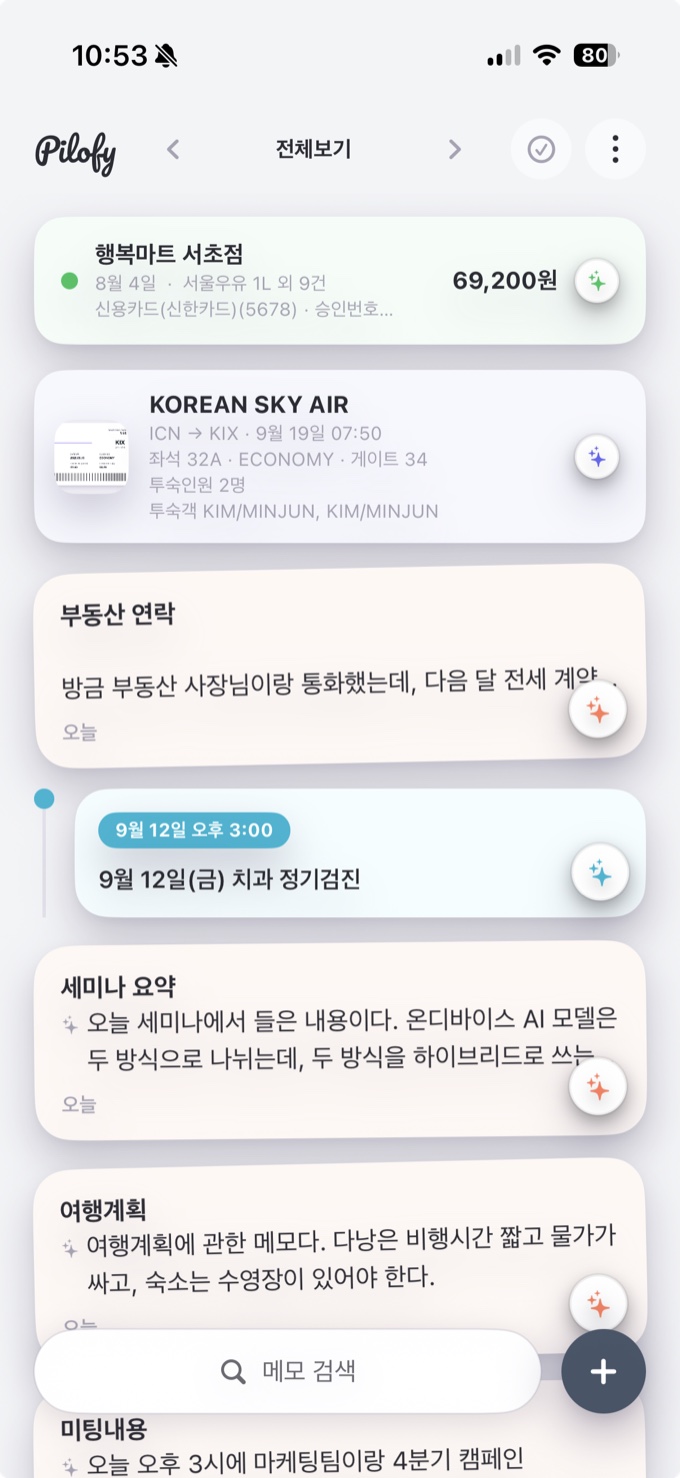
Pilofy starts from the opposite direction. Save a photo or a line of text, and AI figures out whether it's a receipt, a travel plan, or a business card, and organizes it into the right shape. You don't need to set up folders ahead of time or think about tags. The tradeoff is that you lose the kind of free-form customization Notion offers — Pilofy organizes things around the categories it recognizes (receipts, travel, business cards, tickets, schedules, and so on), so it's not built for designing an entirely different kind of database from scratch.
So who is each one for
If you want to design a detailed structure, build different properties for every project, and link many pages tightly together, a flexible tool like Notion or Bear will likely fit better. If instead you'd rather not think about organizing at all — just save now and figure out the rest later, snap a photo and be done with it — Pilofy takes that burden off your hands.
It's less about which app is "better" and more about who does the organizing — you, or the AI.