
How Pilofy's AI actually works — on-device and online, two paths
Exactly how far your photos and notes stay on your device when Pilofy analyzes them, and the specific cases where anything ever leaves it.
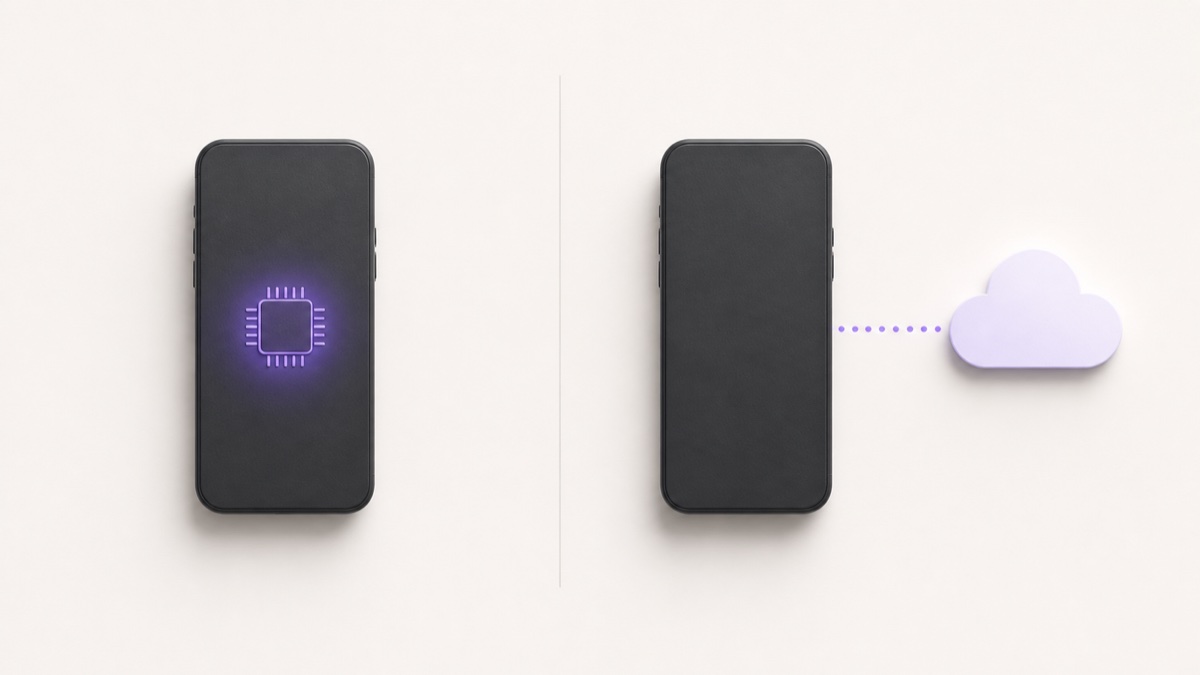
"AI that organizes your notes" tends to raise an immediate question: where do my photos and text actually go? Here's exactly how Pilofy handles it.
By default, everything happens on the device — on-device AI
Pilofy's AI analysis runs, by default, on the device itself, using iOS's Apple Intelligence. The moment you take a photo, the device recognizes the text right there, then analyzes that recognized text on-device to organize it into a receipt, business card, schedule item, and so on. At no point in this process does the photo or text leave the device.
Only when needed, and only with clear consent, does it go online
That said, this on-device processing only works on iPhone 15 Pro or later. If your device doesn't meet that requirement, or if both on-device and online analysis are available, a "How should this be analyzed?" confirmation appears every time you run an analysis, and you choose between on-device and online yourself.
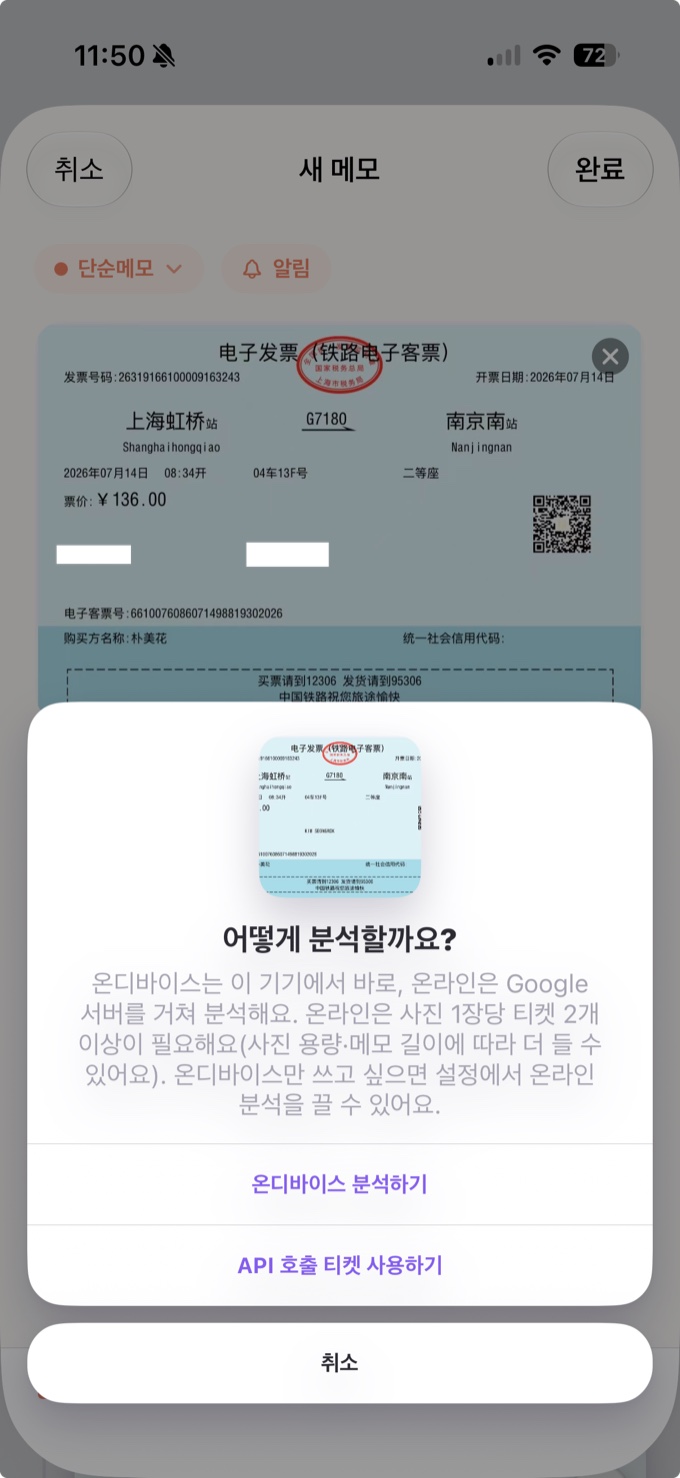
If you choose online, you'll see a notice like this: "The note's text (only the text already recognized on-device from any photo — the original photo is never sent) is sent to an external server (Google Gemini) for processing." In other words, at the text-analysis stage, only text already recognized on-device is sent to the server — never the original photo.
There's also a separate feature called "online OCR," which sends the original photo itself to a server (Google Cloud Vision) for more accurate text recognition. This runs only after its own, completely separate consent step, and whether text analysis then happens on-device or online is chosen separately again after that.
Online AI runs on ads; privacy stays a setting
Using the online AI runs on tickets you earn by watching ads. And if you'd rather not turn on online analysis at all, you can switch it off in Settings — with it off, the online option never appears, and everything is always processed on-device. Even after consenting to online AI once, you can withdraw that consent in Settings at any time.