How to clean up the pile of receipts and tickets in your camera roll after a trip
A trip leaves your camera roll full of boarding pass, receipt, and booking confirmation screenshots. Here's how to deal with that pile instead of letting it sit there until your next trip.
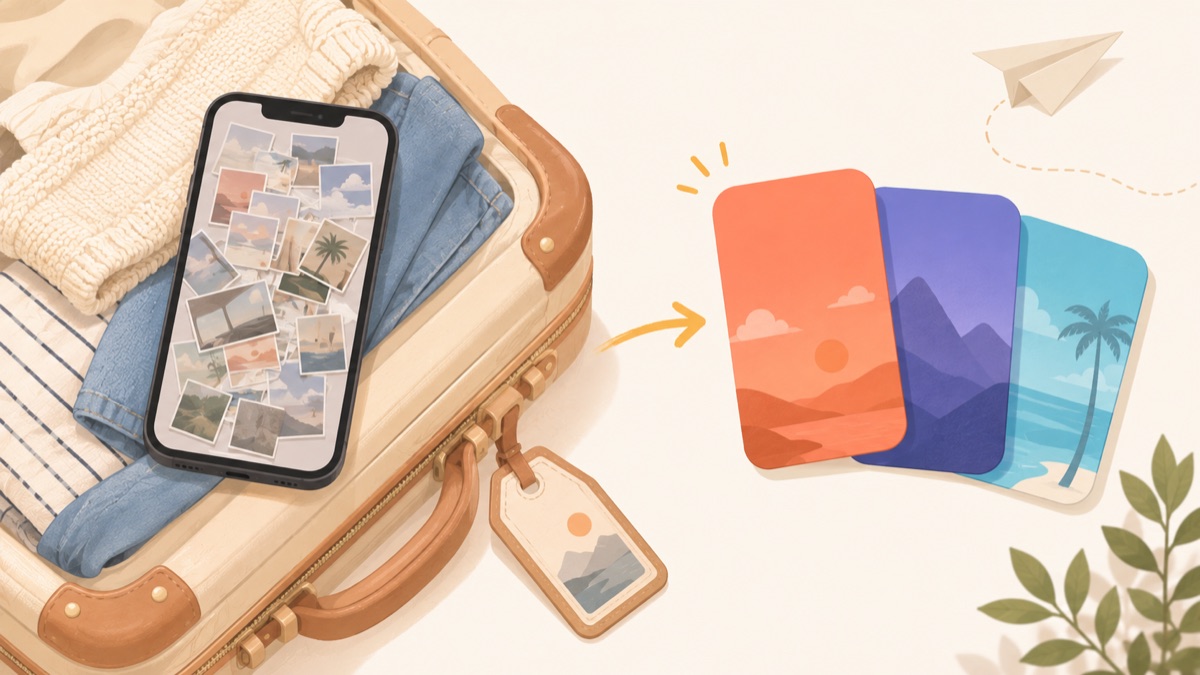
Come home from a trip and your camera roll is full of boarding pass screenshots, receipt photos, and booking confirmation captures mixed in between your travel photos. You took them because you needed them in the moment, but once you're back, it's not always clear what to do with that pile — so it usually just sits there.
Why the cleanup never happens (or never sticks)
Right after a trip, you're too tired to deal with it. Wait a bit longer, and you start losing track of what each screenshot was even for, which makes it even harder to sort out. Before long, you're opening your camera roll for your next trip and running straight into last time's pile.
Travel captures tend to fall into two types. One is receipts — souvenirs, meals, currency exchange. The other is tickets and booking confirmations — flights, hotel bookings, admission tickets. You end up looking for each for a different reason: receipts when you're checking spending, tickets and bookings when you need to double-check your itinerary or need proof of something.
Just save each type — that's it
With Pilofy, you don't need to sort these two types yourself. Just save them, and each becomes the right kind of card automatically.
Receipts get their merchant name, amount, and items recognized automatically once saved, turning into an expense card. Open the category and your total spending from the trip is already added up.
Tickets and booking confirmations get organized into cards built around the details you'll actually look up later — flight numbers, seat numbers, confirmation codes. Movie tickets, flights, train tickets, hotel bookings all get handled the same way.
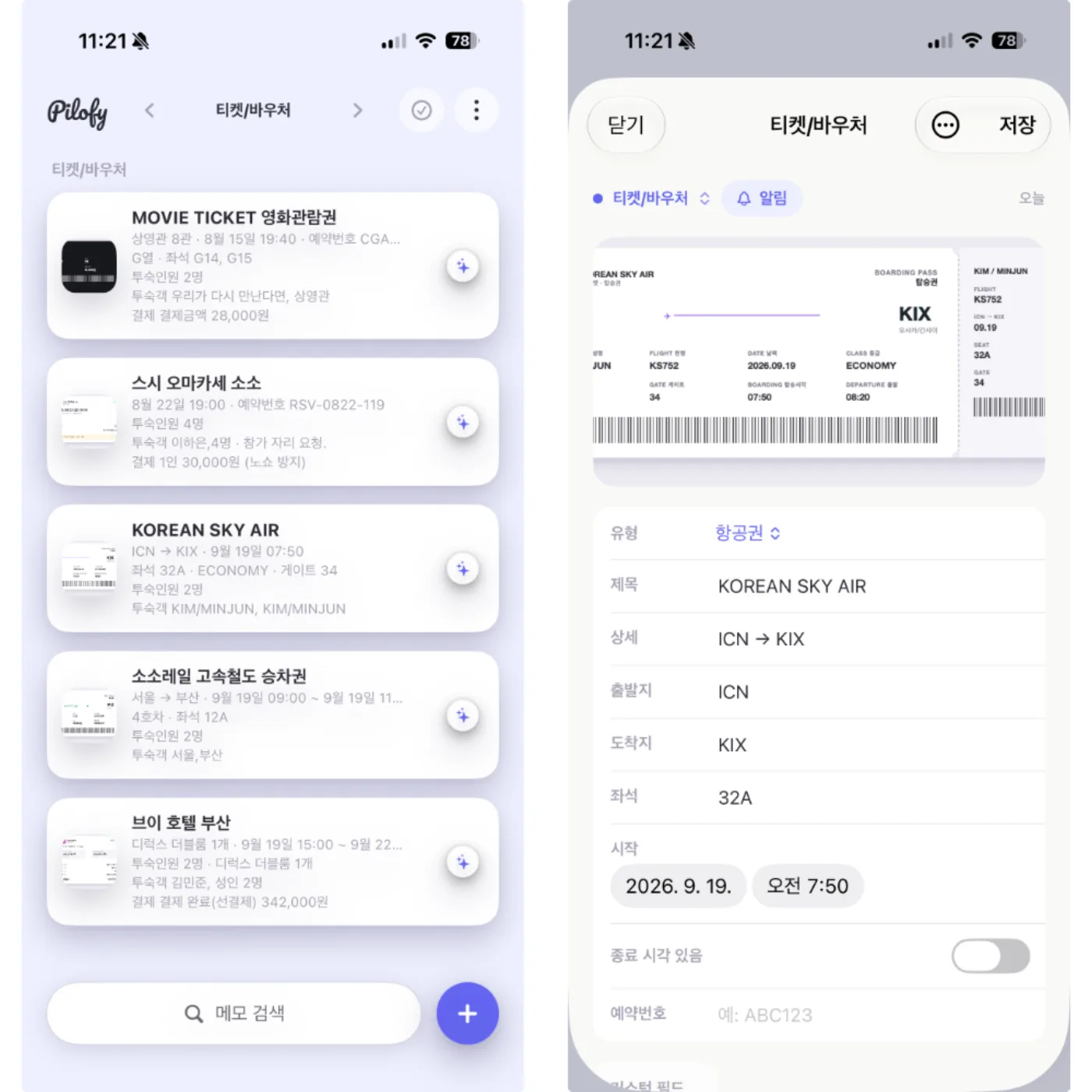
Instead of opening each scattered screenshot in your camera roll and trying to remember what it was, the organizing is already done the moment you saved it.
Starting with your next trip
Trying to sort through everything that's already piled up can feel like too much right now. If so, don't force it — just build the habit of saving receipts and booking confirmations the moment you get them, starting with your next trip. Saving them as you go means the details are still fresh, which makes checking them easier too.
Pilofy is coming soon with iOS 27. Even with spotty internet while traveling, on-device AI through Apple Intelligence processes everything right on your phone.