
Send Pilofy Mac documents to Word, and import other files
How to export documents from the upcoming Pilofy for Mac to Word (.docx) and import them back, plus importing Markdown, RTF, HTML, and ODT files.

There are many times you need to send a document to someone else. If they don't use Pilofy, you hand it over as Word or PDF, and you often import a file you've received to edit it. Pilofy's Mac document editor does both export and import.
Exporting to Word (.docx)
Click "Export" in the bar at the top of a document, and "Word (.docx)" appears alongside PDF. These all show up in Word as they do in Pilofy.
- Font, size, bold, italic, underline, strikethrough, text color, highlight
- Headings 1 to 3: they also appear as headings in Word's navigation pane.
- Bulleted and numbered lists
- Links
- Tables: merged cells, column widths, background colors, vertical alignment
- Images: size and position
- Paper size, margins, page numbers, text watermark
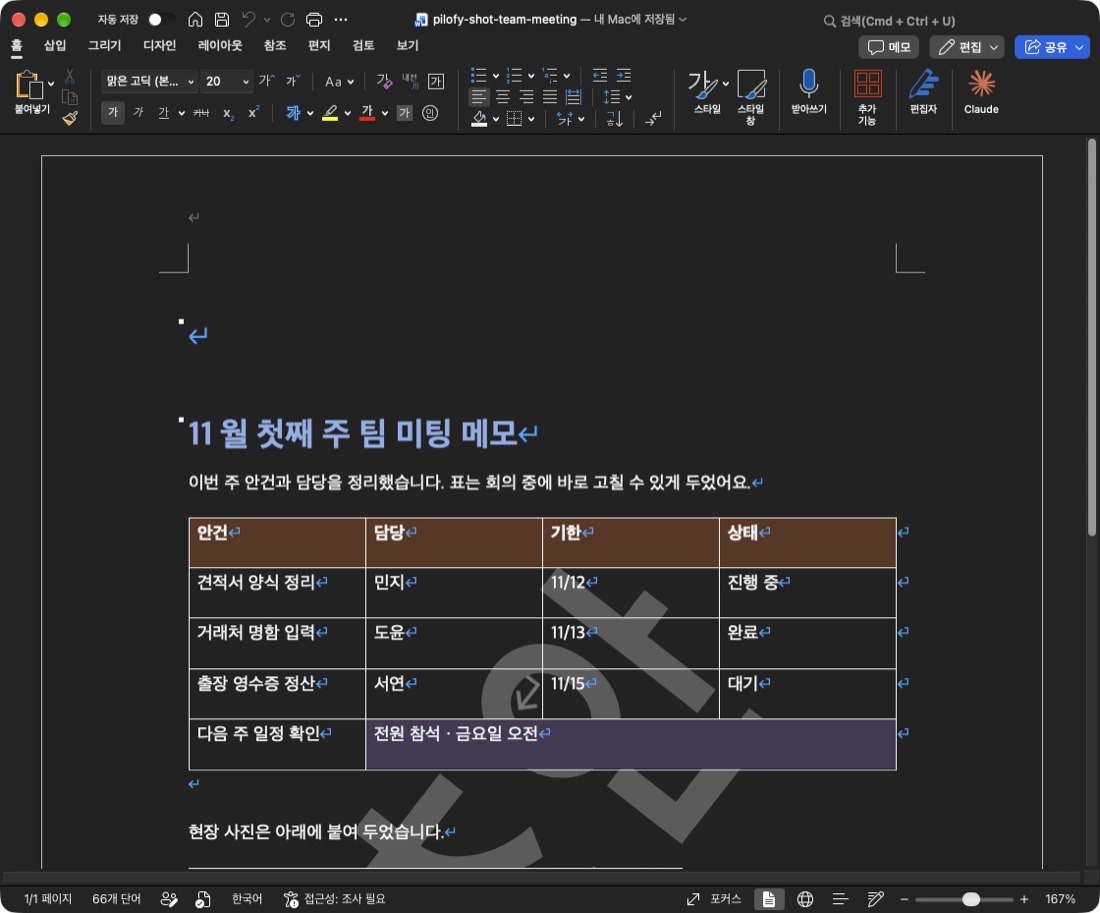
Some things do change. Multilevel numbering like "1.1." becomes "1.". Fonts that aren't on the Mac change to the editor's default font, and italics are dropped for fonts that don't have an italic style. Thin table borders look a little heavier in Word. We haven't tried opening files in Hancom Office yet.
Importing Word files
You can also import a document made in Word and edit it. Tables (merged cells, widths, shading), images, lists, headings, page setup and page numbers, and watermarks come in as they were.
We also check whether a file you receive is safe. Files that inflate when decompressed to freeze the Mac, or that quietly load outside resources, are blocked from opening. Only http, https, and mailto links are kept.
Importing other files
Besides Word, you can import Markdown (.md), text (.txt), RTF, RTFD, HTML, and ODT. Whatever the format, an imported file comes in as a document. There are three ways to import.
- Import in the File menu (⇧⌘I)
- Open a file with Pilofy from Finder
- Drag a file into the document list
For Markdown, it reads tables, nested lists, code, quotes, and checkboxes. For text files, the encoding is matched automatically. When you import six or more at once, a confirmation window appears first.
Long files
You can import files hundreds of pages long. A progress bar shows while importing, and you can cancel. A document over 1,000 pages can take a long time to open in the editor, so we tell you before opening it.
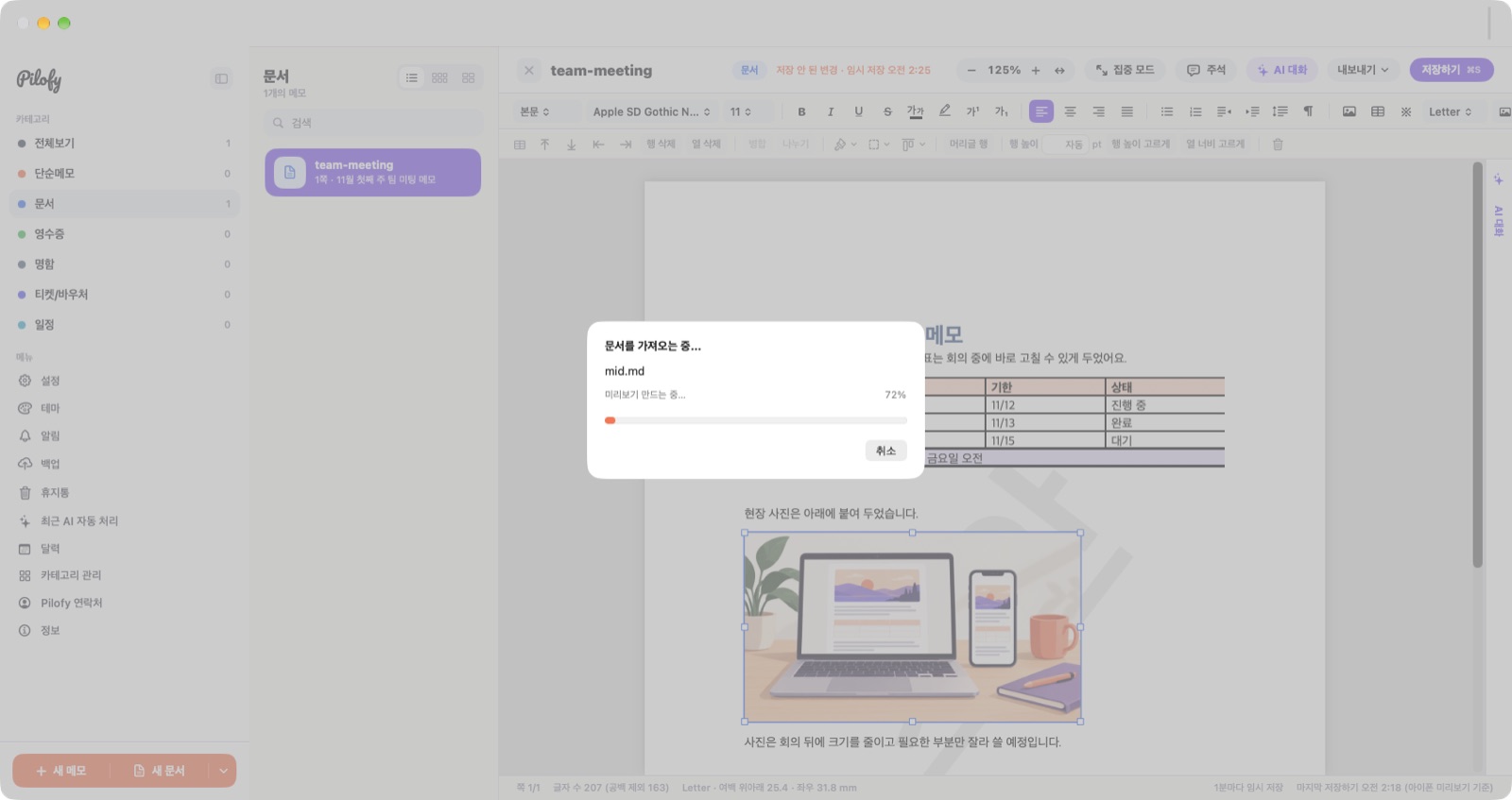
You can also take a Markdown file written by Claude or Codex, bring it into Pilofy, add tables and images, polish it, and export it to Word to hand over.
The Mac version isn't out yet. We'll post the date on this blog once it's set.