A quick note, polished into a proper email by AI
When you need to share a casually-written note with a coworker or client, AI can polish it into email-ready tone — plus a tag you can attach to find it again in your own inbox later.
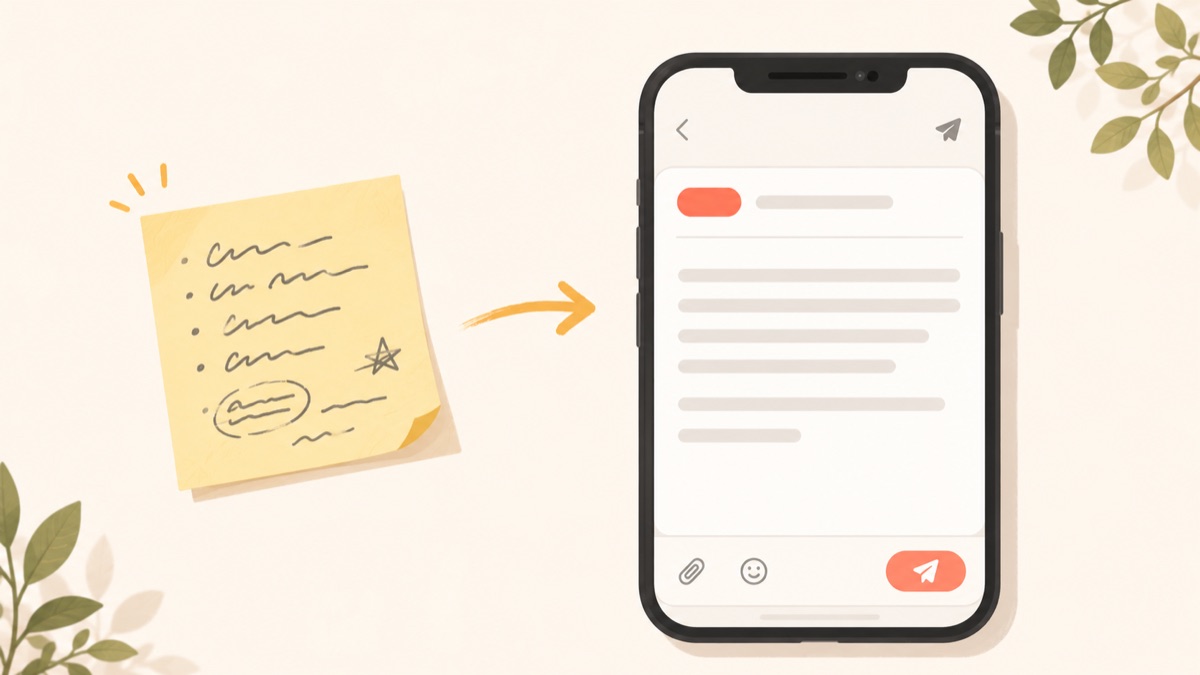
Sometimes what you've casually jotted down in a note isn't quite right to send as-is to a coworker or client. The tone needs cleaning up, a greeting needs adding — so you end up rewriting the whole thing as a new email from scratch.
AI turns a note into a proper email
Open a freely-written text note in Pilofy, and you'll find a "Send as email" option in the menu. Tap it, and you're asked whether you'd like AI to polish it into email form — AI turns the note's content into an email subject and body. It doesn't invent anything that isn't in the original, and it doesn't translate it into another language — it only cleans up the tone and format.
If you'd rather send the note as-is without AI, there's a "send without AI" option too. The note's first line becomes the subject, and the rest becomes the body, unchanged.
Only text gets sent either way. Even if the note has a photo attached, the photo isn't included — just the written content goes into the email body.
This only works on plain text notes
One thing worth being clear about: this doesn't apply to notes AI has auto-sorted into a category — receipts, travel, business cards, tickets, or schedules. It only works on notes you've written freely as plain text. If you want to share something from a structured category by email, you'd need to copy that information into a separate text note first.
A tag, so you can find it in your inbox later
When sending, you can pick a tag to attach. Choose a tag like "Important," for instance, and [Important] gets added to the front of the email subject. This isn't a feature that sorts notes inside Pilofy — it's meant to help you later search your own inbox for emails with a specific tag in the subject line. You can create and rename tags however you like.
If you don't have a mail app
Not every device has a mail app set up. In that case, you'll get a button to copy the polished text instead of sending it — paste it into whatever messenger or app you need.
Making the note itself the starting draft
The point of this feature is closing the gap between a casually written note and an email you're about to send someone. Instead of rewriting a note from scratch, what you already wrote becomes the starting point for the email.
Pilofy is coming soon with iOS 27. The AI polishing step can run on-device, and when a little extra care is needed, it's set up so you can bring in online AI to help.