
Why does 'on-device AI' keep coming up lately?
Apple Intelligence, Galaxy AI — 'AI that runs right on your device' has been showing up everywhere lately. What sets it apart from cloud AI, and why this approach is getting so much attention.
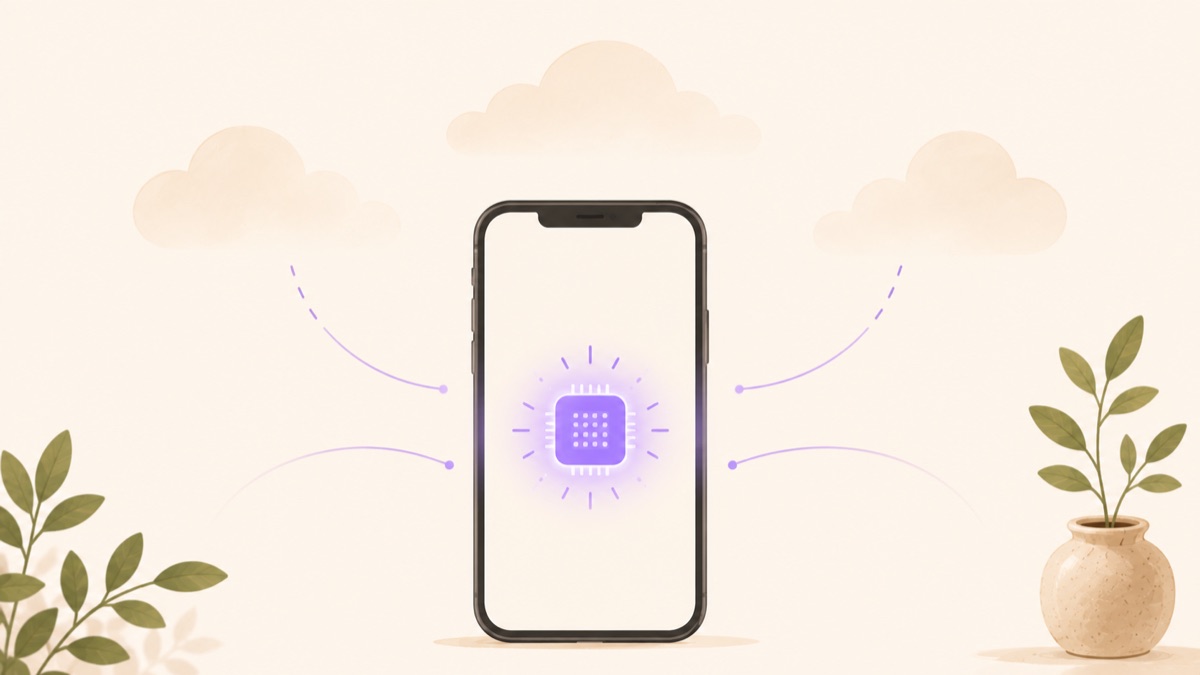
Apple Intelligence, Galaxy AI, on-device translation — lately, smartphone announcements keep using the phrase "AI that runs right on your device." AI features used to mean sending your data off to a server for processing almost by default. So why is processing things directly on the device becoming more common now?
What on-device AI actually is
On-device AI is an approach that processes data like photos or text directly on a device — a phone or tablet — instead of sending it to a server. Cloud AI, by contrast, sends the data to a server, where a much larger AI model processes it and sends back only the result.
Why on-device AI is growing
First, privacy. Data never leaving the device is a real advantage on its own. Not having to send photos or personal text to a server plays a big role in easing people's hesitation around AI features.
Second, speed. With no round trip to a server and back, processing directly on the device is often faster. The difference stands out especially when the internet connection is slow or unreliable.
Third, offline operation. Working with no internet connection at all matters too — it means AI features keep working on a plane, or in an area with weak signal.
Fourth, cost. Running AI continuously on a server costs money to maintain. Shifting processing to the device reduces that cost burden.
That doesn't mean cloud AI is going away
On-device AI has its limits too. A model that fits on a smartphone is inevitably much smaller than the massive models running on a server. So for genuinely complex, sophisticated tasks, cloud AI is still often the better fit.
That's why the current trend isn't really about picking "on-device or cloud" — it's about processing on-device by default, and bringing in online AI selectively only when a task calls for more sophisticated processing. And since on-device AI needs a dedicated chip or recent processor to support it, it tends to be limited to newer devices, with older ones often falling back to online AI instead.
We took the same approach building Pilofy. By default, it processes photos and text on-device through Apple Intelligence, and only when a situation calls for closer analysis — and only if the user chooses to — does it bring in online AI to help.
Going forward, when choosing an app that uses AI features, "where does this processing actually happen" seems like a question worth keeping an eye on.